How Zosma Cowork Turns Your Desktop Into an AI Workspace
Run local AI models on your desktop with Zosma Cowork. Your data never leaves your machine, you only pay for electricity, and productivity jumps 58%.
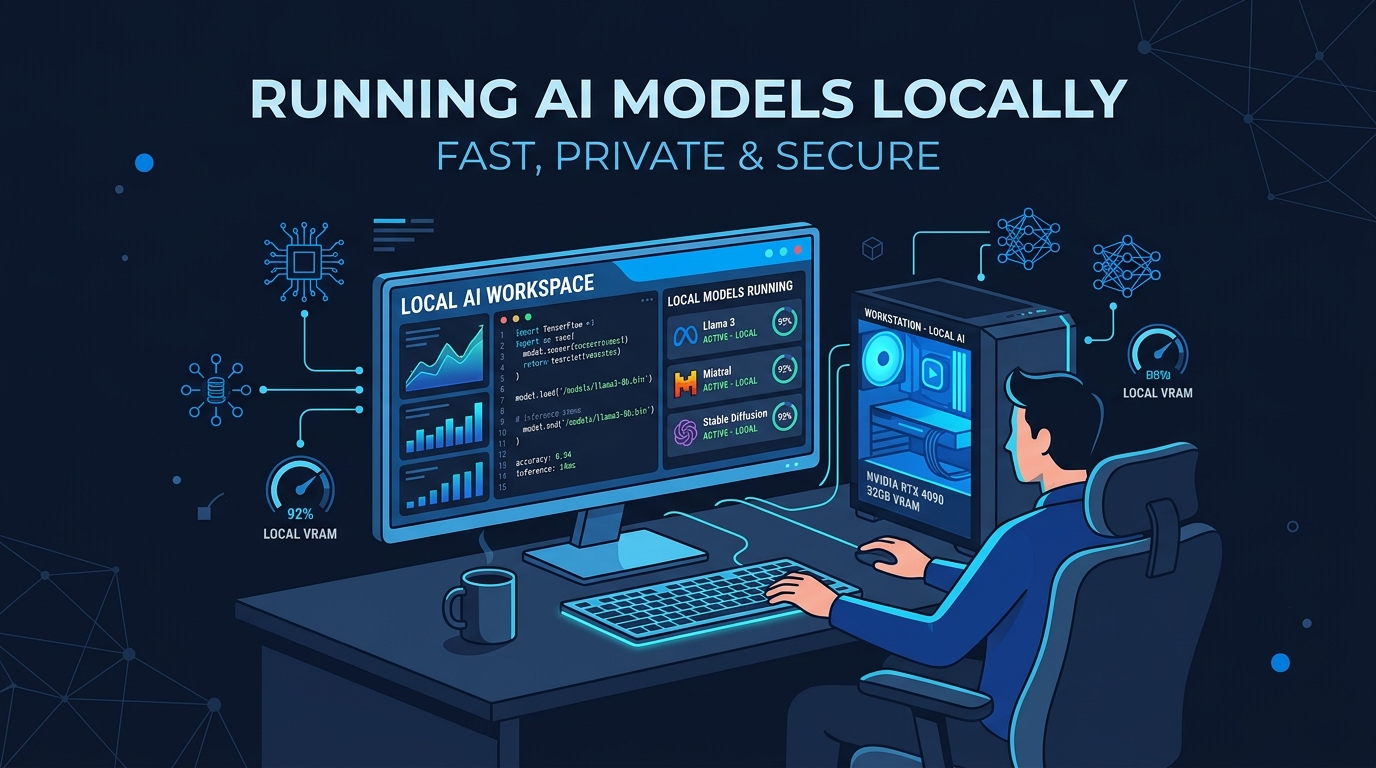
How Zosma Cowork Turns Your Desktop Into an AI Workspace
Key Takeaways
- Desktop AI agents reduce task time by 58% and cut operational errors by 62% in measured benchmarks
- Local AI models keep your data on your machine. Cloud providers like Anthropic, OpenAI, and Google never see it
- Zosma Cowork is a desktop-based co-worker software that helps people work with AI using local models. Private-first, unlimited, no cloud APIs.
- You only pay for electricity, nothing else
The Problem With Cloud AI Is Not the Models
The models are getting genuinely good. The problem is where your data goes.
When you type something into ChatGPT, Claude, or Gemini, that text leaves your computer. It travels to data centers owned by OpenAI, Anthropic, or Google. Those companies log it, process it, and potentially use it to improve their models. Enterprise tiers add contractual promises, but the underlying architecture is the same. Your data touches their infrastructure.
In 2026, a Gartner survey found that 75% of organizations are adopting confidential computing in some form, up from single digits just two years ago. The concern is not theoretical. Companies are actively restructuring how they handle AI because they no longer trust cloud providers with sensitive data. The IDC research shows 60% of enterprises are piloting or deploying AI PCs, driven primarily by productivity gains and data control.
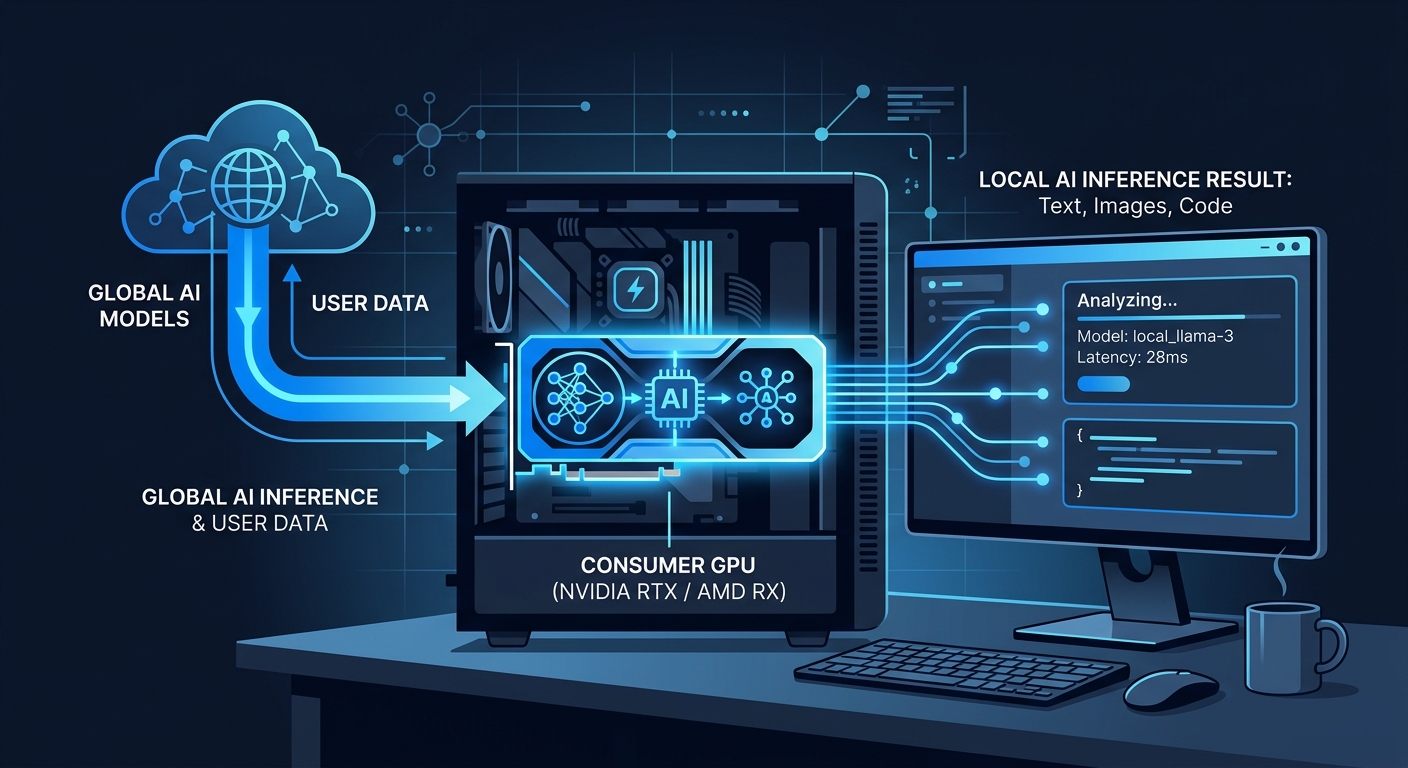
Local models solve this at the root level. The inference happens on your GPU. The data never leaves your machine. Anthropic cannot see it. OpenAI cannot see it. Google cannot see it. Chinese AI labs cannot see it. You can share almost anything with zero risk because the model runs locally.
What Zosma Cowork Actually Does
Zosma Cowork is desktop-based co-worker software that helps people work with AI using local models. Private-first, unlimited, no cloud APIs. You install it, point it at a local model through Ollama or LM Studio, and start giving it tasks in natural language.
It reads your files. It runs commands. It generates reports. It coordinates multiple agents that plan, execute, verify, and deliver completed work instead of a chat transcript.
Our team tested this with real workloads. Financial data. Customer records. Internal strategy documents. Everything processed through Qwen 3.6 27B running on our RTX 5090. Not a single byte left the machine. You only pay for electricity.
The Productivity Numbers Are Real
A benchmark with 20 professional creators measured desktop autonomous agents against manual workflows. The results were not close. Total task time dropped by 58%. Operational errors fell by 62%. Scheduling went from 35 minutes to 13. Editing went from 3.5 hours to 1.6 hours. Research and scripting fell from 2 hours to 48 minutes.
These are controlled measurements, not marketing claims. The annual time-value gain for a full-time creator earning $60/hour was roughly $28,800 when agent workflows scaled across weekly production tasks.
The AMD and Signal65 studies paint a similar picture. AI-capable processors save professionals up to 16 hours per week on administrative tasks. That is two full working days back every week. The IDC research found that teams shifting to local AI workstations saw cloud computing bills drop by over 40%, with workstations paying for themselves in under 18 months.
Why Local Hardware Is Enough Now
Consumer GPUs run surprisingly capable models. Our stack is an RTX 5090 with 32GB, an RTX 3080 with 12GB, and an RTX 2070 SUPER with 8GB, giving us roughly 52GB of VRAM total. The primary model is Qwen 3.6 27B on the 5090, performing on par with DeepSeek V4 Flash for document processing, research, content generation, data extraction, and conversation routing.
You do not need that much hardware to get started. A 12GB card like the RTX 3080 handles models like Gemma 3 12B or Qwen 2.5 14B at usable speeds. Apple Silicon machines run inference through MLX without any GPU requirements beyond the integrated chip. The barrier is not what it was in 2024.
The 2026 landscape report from RunLocalAI puts it plainly. Local AI is the default for chat, code, and RAG workloads on consumer hardware. The remaining gap is long-context reasoning over 200K tokens and frontier multimodal tasks. For the bulk of knowledge work, the gap is small and closing.
How Zosma Cowork Works in Practice
Open the app. Type a task. The agent decomposes it into steps, assigns roles to different model calls, executes in parallel, verifies the output, and hands you a finished result. You can watch it work in real time or let it run in the background.
The agent pipeline has four stages. Planning assigns the work. Execution agents do the heavy lifting. Verification checks for accuracy. Reporting compiles everything into a clear deliverable. It is not a chatbot that guesses from pasted text. It is software that actually uses your computer.
When we tested it with document processing, the agent read files from our filesystem, extracted structured data, cross-referenced multiple sources, and produced a report we could use immediately. No copy-paste. No manual verification steps. The agent handled it.
Privacy That Actually Holds Up
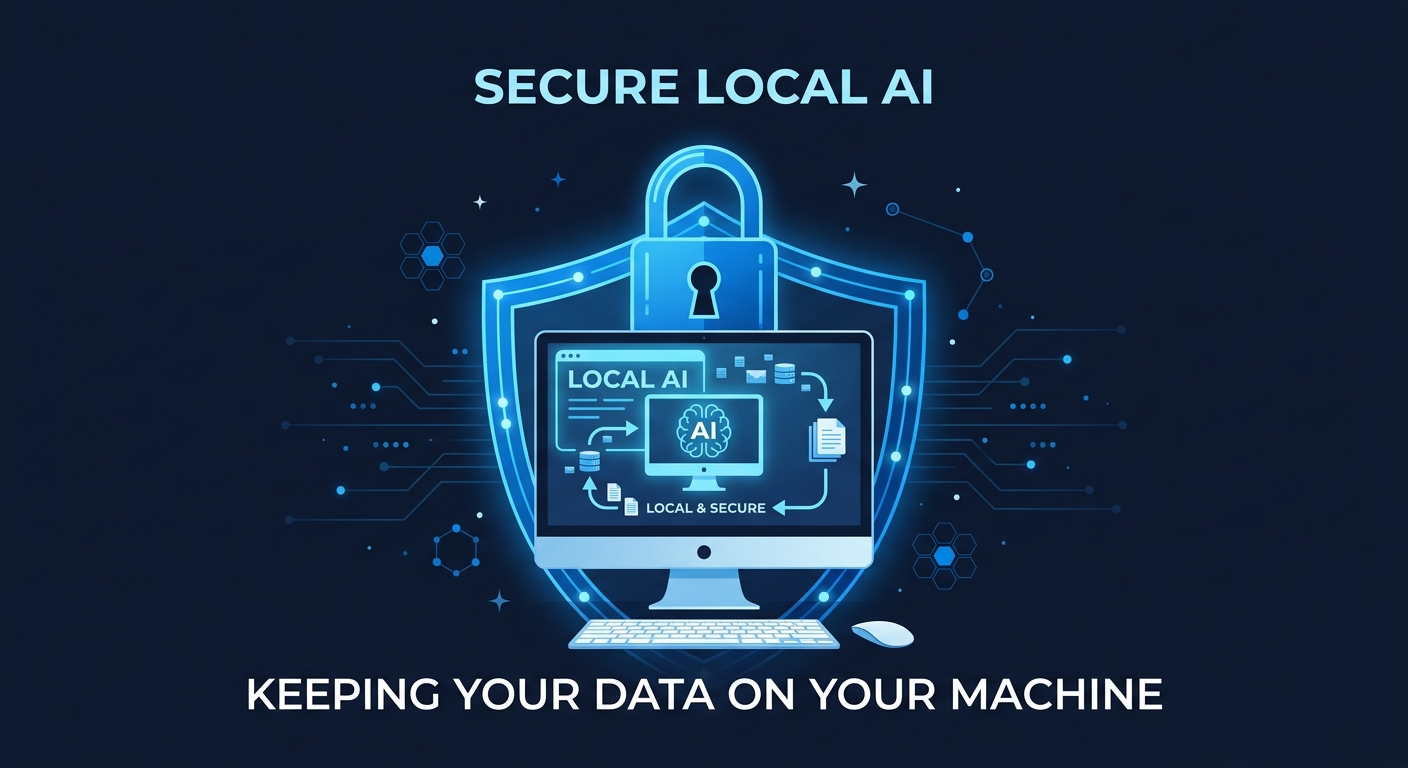
Cloud AI privacy relies on contracts. Local AI privacy relies on architecture. The difference matters.
Gartner predicts 75% of workloads in untrusted infrastructure will use confidential computing by 2029. That is companies spending millions on hardware-enforced encryption because they do not trust cloud providers. Local models make the entire problem disappear. If the data never leaves your machine, there is nothing to encrypt in transit, no compliance gap to bridge, and no third-party risk to manage.
For regulated industries, this is not a preference. It is a requirement. UK GDPR, South Africa's POPIA Section 72, sector-specific rules for healthcare and finance, and the NIS2 Directive all create compliance pressure that cloud AI cannot satisfy through contracts alone. Local models sidestep the entire framework because there is no cross-border data transfer to regulate.
Tally Agents and On-Premise Business AI
Zosma also built local AI agents that connect to Tally ERP. Automate bookkeeping, invoicing, GST reports, and reconciliation running entirely on-premise. Your accounting data stays on your servers. Your AI runs where your data lives. The same private-first philosophy applies to business workflows as it does to personal productivity.
Frequently Asked Questions
Do I need a powerful GPU to use Zosma Cowork?
No. A 12GB GPU like the RTX 3080 runs capable models comfortably. If your hardware is limited, Zosma Cowork also supports cheap API providers. You mix local models for sensitive work with budget cloud providers for everything else.
Can Zosma Cowork work completely offline?
Yes. Local model inference through Ollama or LM Studio requires no internet connection. The model runs on your hardware and your data stays on your machine.
How is this different from ChatGPT or Claude?
ChatGPT and Claude are chat interfaces. Zosma Cowork is a co-worker that reads your files, runs commands, uses tools, and delivers completed work. One is a conversation. The other is done work.
What models work best?
Qwen 3.6 27B handles research, content, and document processing at frontier quality on consumer hardware. Gemma 3 12B and Qwen 2.5 14B work well on smaller GPUs. For the hardest problems, occasional cloud API calls still make sense. Zosma Cowork lets you route tasks to whatever model fits.
Is Zosma Cowork really free?
Yes. The software is free and open source under MIT license. You only pay for electricity when running local models, or API costs when using cloud providers. A typical team spends $10 to $20 per month total.
Start Building Your Local AI Workspace
Install Zosma Cowork. Point it at a local model. Give it a task that requires your files, your tools, and your actual computer. The data stays on your machine. You only pay for electricity. The work gets done.
The shift from cloud AI to local AI is not about rejecting progress. It is about controlling where your data lives and how you pay for intelligence. You only pay for electricity. That is the entire cost model, and it is the reason local AI is becoming the default.