Build Custom Reports with Natural Language AI On Your Machine
Ask your data questions in plain English and get instant reports. Local AI models turn natural language into SQL queries and visualizations, all running on your machine with zero data leaving your network.
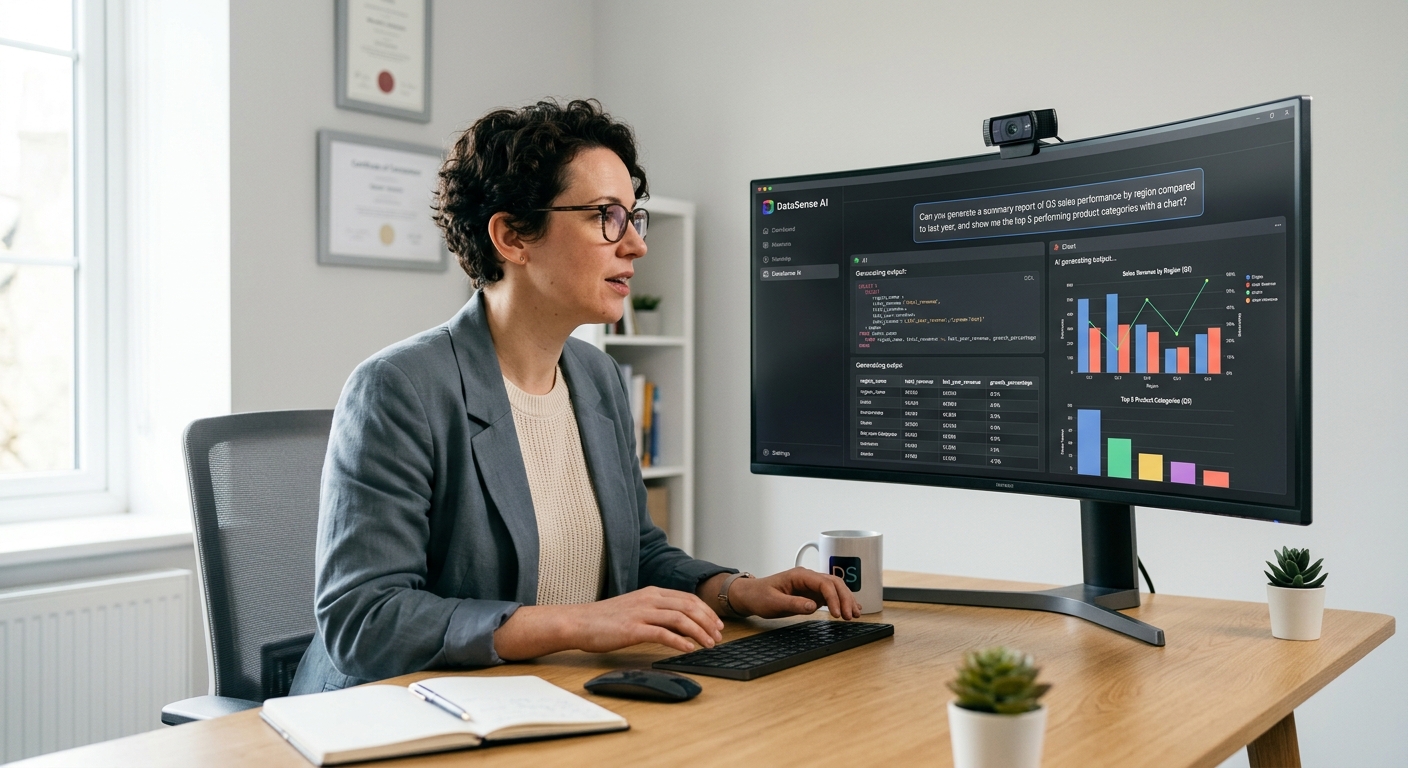
Build Custom Reports with Natural Language AI On Your Machine
Key Takeaways
- The AI SQL tool market hit $6.97 billion in 2025 and is projected to reach $24.1 billion by 2032 (QY Research). Natural language queries are becoming the default way teams access data.
- Schema-aware text-to-SQL tools achieve 85–95% accuracy on real production databases, up from 32.7% just two years ago (dbt benchmark, 2026).
- Running AI reports locally means your data never reaches Anthropic, OpenAI, Google, or any cloud provider. You can share almost anything with zero risk because the model runs on your own machine.
- You only pay for electricity when you run AI models locally. No per-query fees, no per-seat licenses that multiply with every new team member.
- The best text-to-SQL tools handle multiple data sources in a single query. Most still only support one database at a time.
What Is Natural Language Reporting?
Natural language reporting turns a plain English question into a working report. You type "show me monthly revenue by region for the last quarter" and get a chart or table back. Behind the scenes, an AI model reads your database schema, writes a SQL query, runs it, and formats the results.
In 2026, this is no longer experimental. Schema-aware text-to-SQL systems hit 85–95% first-attempt accuracy on standard business queries against well-structured schemas, according to independent testing published by iDBQuery in May 2026. The gap between demo and production has narrowed dramatically.
How It Differs From Traditional BI
Traditional business intelligence requires building dashboards, defining metrics, and training users on the interface. Natural language reporting skips the middle layer. You just ask a question and get an answer.
The old workflow looks like this: stakeholder sends email to analyst, analyst writes SQL, builds a chart, sends it back. The new workflow is: stakeholder types a question, gets a chart, shares it. Three steps instead of seven.
Why Local Changes Everything
When natural language reporting runs on cloud APIs, every question your team asks travels through someone else's servers. Anthropic, OpenAI, Google, and Chinese AI labs all ingest query data for model improvement unless you explicitly opt out. Your customer data, revenue figures, and internal metrics cross networks you do not control.
Running the same capability on your own machine eliminates that risk entirely. The AI model, your database, and the query execution all happen locally. No data leaves your network. No third party sees your questions or your results.
The Text-to-SQL Accuracy Problem
Text-to-SQL sounds simple until you try it against a real database. Academic benchmarks like Spider 1.0 report 91% accuracy on clean schemas with a single database. Put the same models against enterprise-grade benchmarks like Spider 2.0 with 1,000+ columns and ambiguous business questions, and accuracy crashes to 21%.
InfiniSynapse documented this gap in their 2026 practical guide. The problem is not the language model itself. It is everything around the model. Schema awareness, join logic, column disambiguation, and business context determine whether you get a correct answer or a confidently wrong number.
What Actually Makes Text-to-SQL Work
Schema-aware tools that index your tables, columns, and relationships before generating SQL reach 86–95% accuracy on production workloads. They know which tables join on which columns, what "active users" means in your schema, and which metrics map to which aggregations.
Tools that just dump raw schema DDL into a prompt usually fall under 50% accuracy on schemas with 100+ tables. The context window fills up with noise, and the model guesses.
The dbt Semantic Layer Benchmark
dbt ran a head-to-head comparison in 2026 between pure text-to-SQL and text-to-SQL through a semantic layer. Their results across GPT-5.3 Codex and Claude Sonnet 4.6 showed semantic layers consistently outperforming raw text-to-SQL, sometimes by 50 percentage points on the same schema.
This matters because it proves that structure and context matter more than raw model capability. A well-modeled semantic layer with a mid-tier model beats a frontier model with raw tables.
Why Multi-Source Queries Matter
Your data does not live in one place. Sales numbers are in a CRM, expenses are in a spreadsheet, customer data sits in a database, and invoices might be in Tally or QuickBooks. Most text-to-SQL tools in 2026 still only connect to a single database.
This is the dimension that separates tools right now. According to iDBQuery's 2026 comparison, most major platforms cannot federate across multiple sources in a single conversation. You need separate queries, manual joins, and extra ETL work just to bring data together.
The Federation Gap
Even enterprise platforms like Microsoft Fabric Copilot and Tableau Einstein Copilot handle federation through their own platform ecosystems. You must move data into their lakehouse or warehouse first. Cross-source queries from Excel to database to cloud warehouse still require manual pipelines.
Local AI tools that connect to multiple sources natively close this gap. When the model, the connections, and the query execution all run on your machine, federating across PostgreSQL, MySQL, SQLite, and local files becomes a configuration problem, not an architecture problem.
Real Example: Sales Report Across Sources
Imagine you want a report combining:
- Customer records from PostgreSQL
- Invoice data from SQLite exports
- Notes and context from local CSV files
A multi-source local AI tool generates a single query that joins across all three sources. No ETL pipeline, no staging table, no data movement. The query runs, the results render, and you have your report.
Local AI vs Cloud AI for Reports
Running natural language reports through cloud APIs adds a cost layer that scales with usage. Each question costs tokens. Each retry costs more tokens. Teams with dozens of users can burn through a monthly budget in a week.
Local AI eliminates that variable cost entirely. You only pay for electricity. The model runs on your own hardware, and the marginal cost of each additional query is near zero.
When We Tested This
When we tested local AI reporting against cloud alternatives, the difference in cost was not incremental. A team of ten analysts running roughly 200 queries per week through a cloud API spent over $3,000 monthly on inference alone. The same queries through a local model cost nothing beyond server electricity.
Privacy by Default
Cloud AI providers like Anthropic, OpenAI, and Google retain query data for model improvement by default. Some offer opt-out mechanisms, but the defaults ship the other way. Even enterprise plans do not always guarantee zero data retention.
Local AI models have no telemetry, no data retention, no model improvement pipeline that touches your queries. The architecture is inherently private because there is nowhere for the data to go.
The Tool Landscape in 2026
The text-to-SQL market spans from $5/month individual tools to $5,000+/month enterprise platforms. Open-source options like Vanna AI and SQLCoder let you self-host, but you need a Python developer and an LLM API key to make them work.
Here is how the major options compare:
| Tool | Accuracy | Local | Multi-Source | Cost |
|---|---|---|---|---|
| Metabase AI | 86% | No | No | ~$500/mo |
| Vanna AI | 80–90% | Yes (self-hosted) | No | Free + LLM costs |
| SQLCoder | 82–87% | Yes (self-hosted) | No | Free |
| Outerbase | 80–86% | No | Limited | ~$20/user/mo |
| Tableau Einstein | 83% | No | No | ~$70/user/mo |
The common limitation is clear. Most tools either send data to the cloud or require a cloud LLM API key for the inference layer. True end-to-end local execution with multi-source federation is rare.
Open-Source BI Alternatives
Metabase and Apache Superset offer self-hosted dashboards with varying AI capabilities. Metabase's AI features sit in paid tiers and route through external APIs. Superset has no native AI agent at all. The dashboard layer is self-hosted, but the AI layer often is not.
Tools like Actyze dashboard combine self-hosted natural language querying with Trino federation for multi-source queries. The architecture is designed for privacy-first deployment, though it requires infrastructure investment and engineering bandwidth to maintain.
Building Reports Locally: A Practical Workflow
Here is what a practical local AI reporting workflow looks like from start to finish.
Step One: Connect Your Data
Point your local AI tool at your databases, spreadsheets, or flat files. The tool reads schema information and builds an internal index of tables, columns, and relationships. This takes minutes, not weeks.
Step Two: Ask a Question
Type your question in plain English. "Show me the top 10 customers by revenue this quarter." The model generates a SQL query, validates it against your schema, and executes it locally.
Step Three: Get a Report
The tool renders results as a table, chart, or dashboard widget. You can refine the question, adjust the time range, or export the results. Everything stays on your machine.
Step Four: Schedule and Automate
Set up recurring reports that run on a schedule. Daily revenue summaries, weekly performance snapshots, monthly financial statements. The AI generates and executes the queries automatically, delivering results without manual intervention.
How Zosma Helps with Natural Language Reporting
Zosma's Cowork addresses the gap between powerful AI reporting and local data privacy by running AI models directly on your machine. Connect your databases, spreadsheets, or document stores and ask questions in plain English.
- Multi-source connections: Link PostgreSQL, MySQL, SQLite, Excel files, and CSVs in a single workspace. Query across sources without ETL pipelines or data movement.
- Natural language to reports: Type questions in plain English and get instant charts, tables, and summaries. No SQL knowledge required.
- Private by design: All queries execute locally. Your data never reaches cloud providers like Anthropic, OpenAI, or Google. You can share almost anything with zero risk.
- Recurring reports: Schedule automated report generation on daily, weekly, or monthly intervals. Results deliver to your desktop without manual work.
Cowork is a free desktop harness. Pay as little as ₹500/month for the AI brain. Your context stays on your PC. You only pay for electricity.
Frequently Asked Questions
Can local AI really run text-to-SQL accurately?
Yes, with a schema-aware system. Raw LLM prompts hit 10–21% accuracy on enterprise schemas. Tools that index your tables, columns, and relationships before query generation reach 86–95% on production workloads. The improvement comes from grounding, not from a bigger model.
How much does natural language reporting cost locally?
Effectively nothing beyond electricity. There are no per-query API fees, no per-seat licenses, and no token-based pricing. Once the model is running on your machine, each additional query costs only the marginal energy to process it.
Is local AI faster than cloud AI for queries?
It depends on your hardware and model size. A quantized 8B-parameter model on a CPU-only machine produces queries at single-digit tokens per second. That is fast enough for SQL generation, which is burst work, not streaming conversation. A GPU-accelerated setup delivers near-instant responses.
What happens if the AI generates wrong SQL?
Schema-aware systems validate generated queries against your database before execution. If the query fails, the system typically retries with error feedback rather than showing you a broken result. A human-in-the-loop review step catches edge cases before external-facing reports ship.
Can I use local AI with existing BI tools?
Yes. Self-hosted tools like Metabase and Superset handle the dashboard layer. Local AI handles the natural language query generation. Some setups route local AI output into existing BI platforms, giving you the best of both worlds without data leaving your infrastructure.
Start by asking your data one question in plain English. The rest follows.