Zosma Cowork: AI Coworker for Non-Technical Teams
How non-technical teams use Zosma Cowork for AI-powered workflows. No coding required. Local AI keeps your data private on your own hardware.
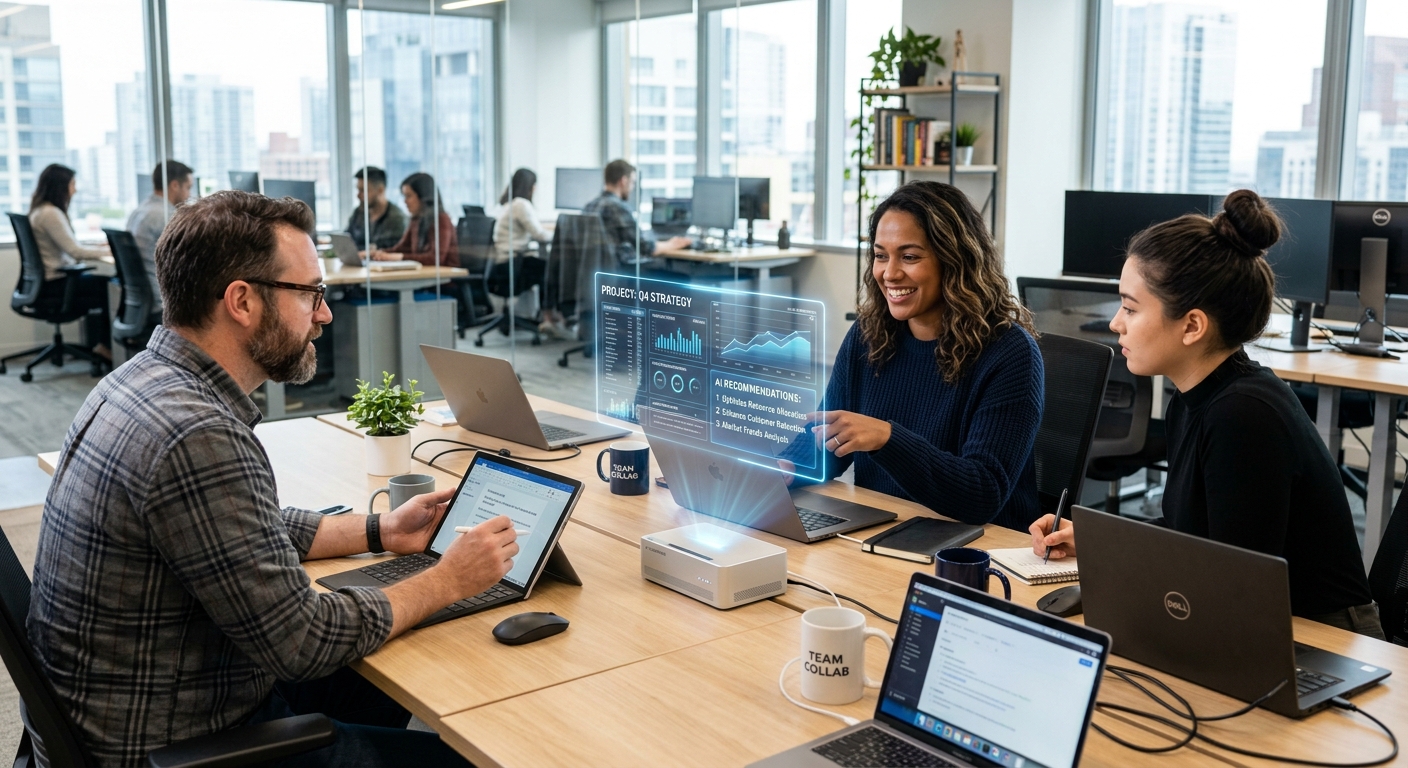
Zosma Cowork: AI Coworker for Non-Technical Teams
Key Takeaways
- 88% of organizations now use AI, yet only 32% of non-managerial employees have access to AI tools at work
- Marketing and HR teams lead departmental AI adoption at 70% and 40% respectively
- No-code AI platforms are the bridge between executive AI strategy and everyday team execution
- Local AI on your own hardware means Anthropic, OpenAI, and Google cannot access your team data
Why Most AI Tools Fail Non-Technical Teams
88% of organizations now use AI in at least one business function, up from 78% a year earlier according to McKinsey's State of AI report from November 2025. The adoption numbers look great at the executive level. The reality for most teams is quite different.
80% of C-suite executives have access to AI tools, compared to just 32% of non-managerial employees (Programs.com, 2025). The gap between AI strategy and AI execution lives in that 48 percentage point gap.
The problem is simple. Most AI tools require technical knowledge to set up, customize, and maintain. Your marketing manager wants to automate campaign analysis. Your HR lead wants to streamline onboarding. Neither of them knows Python, REST APIs, or prompt engineering frameworks.
No-code AI platforms solve this gap. They let business teams build workflows using plain English instructions and visual interfaces. You describe the process, the AI executes it. No engineering team required.
The adoption gap by department
Department-level AI adoption varies dramatically. Marketing leads at 70% to 75%, while HR sits at 35% to 40% (Federal Reserve, 2026). The divide reflects both need and tool accessibility. Marketing teams inherited content tools that evolved with AI features built in. HR and operations teams got bolted-on solutions that required IT support.
Why bolted-on AI fails
AI tools designed for developers create a dependency chain. Marketing identifies a use case. Engineering builds a proof of concept. The tool lives on a developer laptop. When that person moves on, the automation dies. This pattern repeats across non-technical teams and wastes both time and investment.
How AI Coworkers Replace the Engineering Dependency
An AI coworker is different from traditional automation tools. It works alongside team members, understands context, and adapts to changing requirements. The workflow stays accessible to the team that owns the process.
Autonomous AI agents are still deployed by only 27% of companies, but those that have implemented them report the highest value at 72% (HouseofMVPs, 2026). The gap between adoption and value is closing fast as platforms lower the setup barrier.
The shift is already visible in how companies build AI workflows. Visual workflow builders replaced custom code. Pre-built templates replaced starting from scratch. Plain English replaced API documentation.
What makes a coworker different from a chatbot
A chatbot answers questions. A coworker completes work. The distinction matters because teams need execution, not just information. When your HR lead describes a new onboarding process, they want accounts created, emails sent, and training assigned. Not just a list of steps.
Real example: HR onboarding without IT help
Here is a typical onboarding workflow on Zosma Cowork. The HR team describes their process in plain language. The AI coworker creates a checklist, triggers account setup, sends welcome materials, schedules orientation, and tracks progress. When a step fails or needs human input, it pauses and asks.
In practice, we built a similar workflow for a mid-size company with no technical staff. The HR manager described their process over one video call. The automation ran the next week without any developer involvement. The entire setup took under an hour.
Marketing Teams: From Campaign Tools to AI Workflows
Marketing has the highest non-technical AI adoption at 70% to 75% (Federal Reserve, 2026). Teams already use AI for content drafting, SEO optimization, and campaign analytics. The next step is connecting those tools into automated workflows.
An AI coworker for marketing handles repetitive coordination. It monitors campaign performance across platforms, generates weekly reports, flags underperforming channels, and drafts optimization suggestions. The team reviews the analysis and makes strategic decisions. The AI handles the data collection and formatting.
Campaign monitoring without manual spreadsheets
Marketing teams typically juggle multiple platforms. Google Ads, Meta Business Suite, email platforms, SEO tools. Pulling data from each source takes hours per week. An AI coworker connects to these sources automatically and delivers structured updates.
Content creation assistance ranks among the most common AI use cases at 61% of companies (HouseofMVPs, 2026). A coworker extends this capability by connecting content generation to distribution. Draft, review, schedule, publish. One workflow instead of scattered tools.
Measuring marketing ROI with AI
The median three-year ROI for content creation AI is 3.6x the build cost, with 72% of deployments achieving positive returns (HouseofMVPs, 2026). The teams seeing the strongest results are not running the biggest budgets. They are the ones that integrated AI directly into their daily workflow instead of treating it as a separate tool.
HR and Operations: Automating Without Developers
HR and operations teams handle high-volume, rule-based work. Resume screening, interview scheduling, leave management, payroll processing, compliance reporting. These processes are repetitive, policy-driven, and ripe for automation. The barrier has been technical complexity.
AI screening and scheduling for HR shows a 2.8x median three-year ROI (HouseofMVPs, 2026). The adoption rate is only 28%, which means most teams are leaving efficiency on the table. No-code platforms remove the barrier.
Onboarding automation in practice
New hire onboarding touches every department. IT creates accounts, HR sends documents, Facilities assigns workspaces, Teams schedules training. Coordinating this manually takes days. An AI coworker handles it end-to-end once the team describes the process.
The workflow pauses at human approval gates. The AI proposes actions, the manager approves, and automation continues. No approvals needed for routine steps. Full oversight for anything policy-sensitive.
Compliance and audit trails
Under the EU AI Act, HR teams using AI for decision-making must maintain audit trails and provide human oversight. No-code platforms with built-in compliance features log every decision, preserve reviewer trails, and make actions reversible. Your HR team meets regulatory requirements without building custom compliance systems.
Why Local AI Matters for Team Privacy
When your team uses cloud AI services, your data goes to someone else's servers. Anthropic, OpenAI, Google, and Meta process your documents, emails, customer records, and internal communications. Chinese AI labs offer similar services with additional jurisdictional complexity. You cannot share almost anything safely.
Local AI changes the equation. You can share almost anything with zero risk because the model runs on your own hardware. Customer records stay on your machine. Employee data never leaves your network. Internal communications never reach a third-party API.
Only 39% of organizations attribute any EBIT impact to their AI investment, according to McKinsey (2025). Part of that gap is organizations waiting for AI to feel safe enough to apply to their most valuable data. Local AI removes that constraint entirely.
Local AI cost structure
The only recurring cost for local AI is the electricity to run your hardware. You only pay for electricity. There are no per-query fees, no API rate limits, and no surprise invoices when your team's usage spikes. The upfront hardware investment pays back quickly against cloud API costs.
Privacy without performance tradeoffs
Local models have closed the performance gap with cloud services. Modern open-weight models handle document analysis, data extraction, and workflow automation at quality levels comparable to proprietary APIs. Your team gets privacy and performance instead of choosing between them.
Setting Up AI Workflows in Minutes
The biggest barrier for non-technical teams is setup complexity. Traditional AI automation requires API keys, webhooks, middleware configuration, and ongoing maintenance. A no-code AI coworker eliminates those requirements.
72.5% of AI-using small businesses rely on a single AI service (JP Morgan Chase Institute, 2025). Multi-tool integration is the next growth area. A coworker that connects to your existing tools multiplies their value instead of adding another disconnected platform.
From description to deployment
Describe your workflow in plain language. The AI parses the steps, connects to your tools, and creates an executable workflow. Test it with sample data. Adjust as needed. Deploy it to production. The entire process takes minutes for standard workflows and under an hour for complex multi-step processes.
Team collaboration on AI workflows
AI workflows should be accessible to the team that owns the process. Your marketing manager should modify campaign workflows without waiting for IT. Your HR lead should adjust onboarding steps without filing a ticket. The tool belongs to the business team, not the engineering department.
How Zosma Helps
Zosma Cowork brings agentic AI to non-technical teams through a free desktop workspace. Your team describes workflows in plain English. The AI executes them autonomously. All processing happens locally on your own hardware.
- Visual workflow builder: Design AI workflows with drag-and-drop interfaces. No coding required. Your team builds and owns the automation.
- Local AI processing: Models run on your machine. Anthropic, OpenAI, and Google never see your data. You only pay for electricity.
- Multi-tool integration: Connect your existing CRM, email, calendars, and project management tools. One AI coworker coordinates everything.
- Team-accessible automation: Business teams create, modify, and maintain workflows independently. No engineering dependency.
Frequently Asked Questions
Can non-technical teams really build AI workflows?
Yes. No-code platforms let teams describe processes in plain language. The AI handles execution, tool connections, and scheduling. Most teams build their first workflow in under an hour. You only need to understand your own processes, not programming.
What happens if an AI workflow makes a mistake?
Good platforms include human approval gates for policy-sensitive actions. The AI proposes steps, pauses for review on critical decisions, and continues after approval. Every action is logged, reversible, and attributable to a specific team member.
How much does local AI cost compared to cloud services?
Local AI requires upfront hardware investment. After that, you only pay for electricity. Cloud AI charges per query, and costs scale with usage. Teams processing large volumes of data or running continuous workflows typically save money on local AI within the first year.
Will AI replace my team members?
AI handles repetitive, rule-based tasks. It does not replace judgment, strategy, or creativity. Teams using AI consistently report 30% to 50% productivity gains (Federal Reserve, 2026). The work shifts from execution to oversight and decision-making. Roles evolve, they do not disappear.
Can I use Zosma Cowork without internet access?
Zosma Cowork runs locally on your machine. The AI models process data on your own hardware. You do not need an internet connection for the core AI functionality. Cloud connectivity is optional for features like remote collaboration or accessing cloud-hosted data sources.
Start with one workflow. Pick a repetitive process your team handles weekly. Automate it. Then build on that foundation. The teams seeing the strongest AI results started small and expanded gradually. Your first workflow takes an hour. Your second takes half that time.